
Set the opening hours
Maintain project-wide hours, then override them per event where an exhibition or a late opening differs.
Museums & attractions
Model each entry slot as its own event with its own capacity, keep opening hours as real configuration, and let visitors arrive with the ticket already in their phone.
In short
TixFin does not have a separate timed-entry module — it models a slot the way the rest of the platform models everything else: as an event. Each slot is its own event with its own ticket types, capacity and sales window, and recurring slots are planned as a series through upcoming-event views rather than copied one by one. Project-wide and event-specific opening hours are explicit configuration, so admission windows are not buried in a description text, and visitors check in at the entrance by QR code from an Apple or Google Wallet pass.
Challenges
Without slots the whole day's demand lands in one hour, and the queue outside becomes the visitor's first impression.
Regular hours, late openings and closed days differ per exhibition, and a sentence in a description does not enforce anything.
Staff at the door need to admit people quickly and be able to look a ticket up without accidentally checking it in.
Capabilities
Each entry slot is an event with its own ticket types, capacity, sales window and public page — the same model the rest of the platform uses.
Upcoming-event views make a repeating slot schedule plannable as a series instead of forcing a copy for every day.
Project-wide and event-specific opening hours model admission windows explicitly rather than hiding them in a description.
Check-in and check-out by QR code, with several check-in lists per event when the main entrance and a group entrance need different rules.
Apple Wallet and Google Wallet passes ship with the confirmation email in the design you configured, so nobody searches an inbox at the door.
A FIFO waitlist with double opt-in hands a released place to the next visitor with a time-limited claim link when a booking is cancelled.
Workflow
Maintain project-wide hours, then override them per event where an exhibition or a late opening differs.
Add each entry slot as an event, with the capacity and sales window that slot should have.
Visitors pick a slot in your branded shop and receive a wallet pass with the confirmation.
Check visitors in by QR code and watch the live count per entrance.
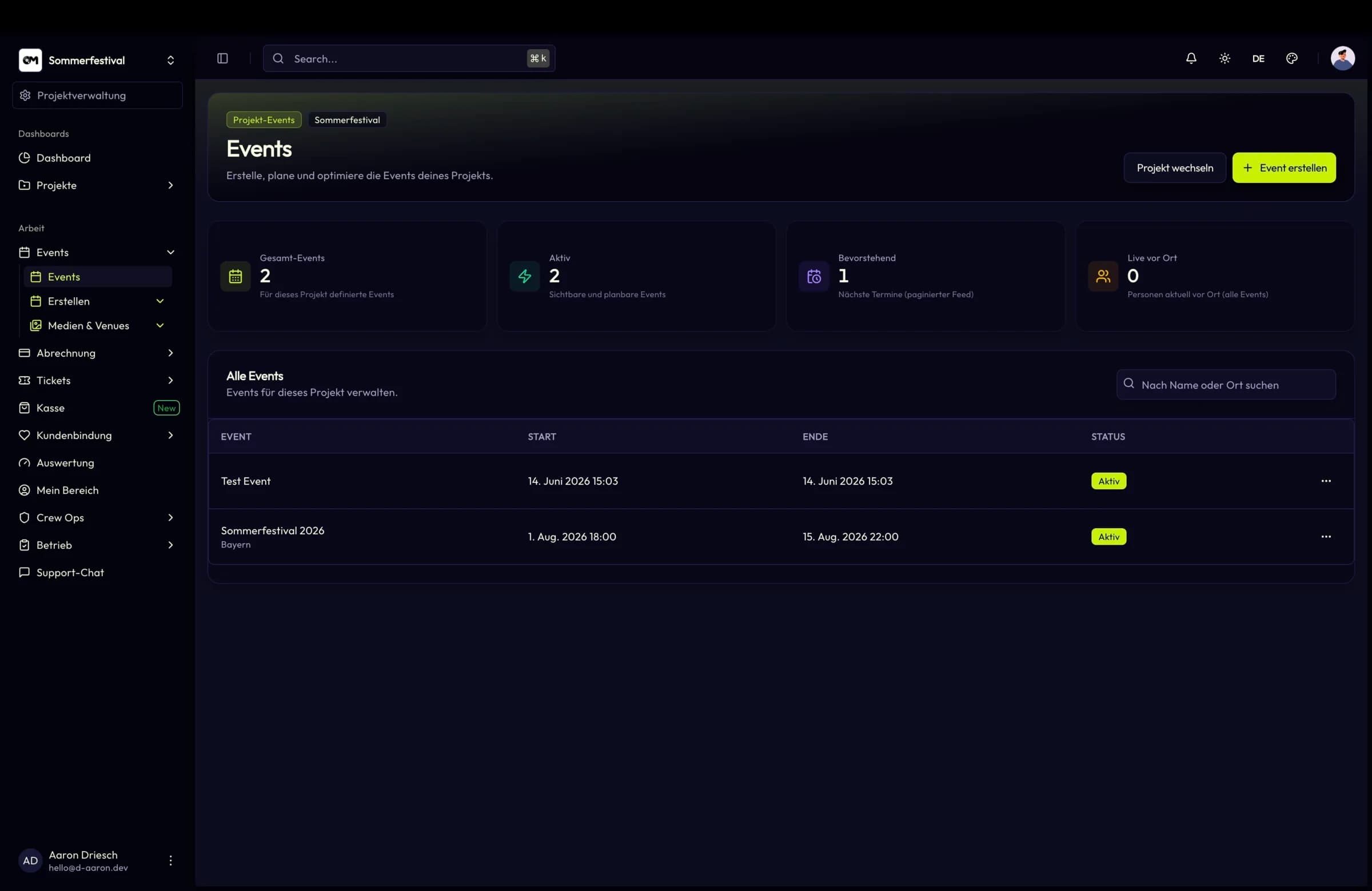
Slot schedule
Because a slot is an ordinary event, it inherits everything an event already has: attendance figures, ticket KPIs, its own gallery and the same shop. Utilisation per slot is visible without building a separate report.
Key facts
Features
The full event lifecycle: scheduling, recurring and upcoming series, public presentation, event galleries and attendance transparency.
Ticket types, dynamic pricing phases, add-ons, bundles, buyer questions and a checkout that works for guests and registered buyers alike.
QR check-in and check-out, multiple check-in lists per event, temporary scanner accounts and on-site data capture with CSV export.
Apple Wallet and Google Wallet passes that inherit your ticket design, plus verified ticket transfer between users.
FAQ