
Create the event
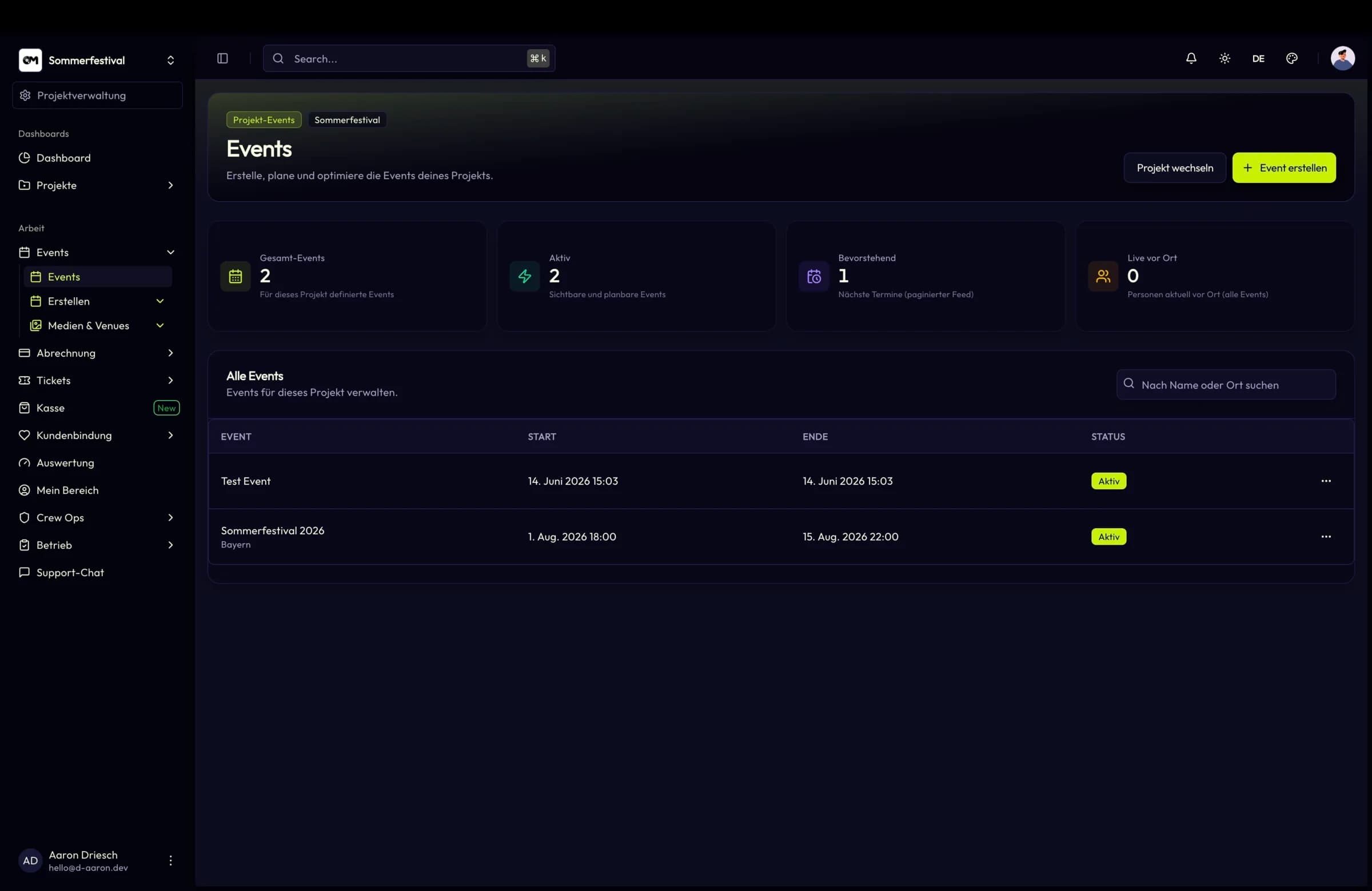
Add the event to the project with its schedule and the public details the shop should show.
Event management
Create events, schedule them, publish them, illustrate them with a gallery and see attendance without exporting anything — all inside the project that owns them.
In short
Full event lifecycle inside one project
Recurring and upcoming series views
Attendance data per event and project
Event management
Ticket types, seatmaps, check-in lists, crew shifts, campaigns and analytics all attach to the event record. Setting up the next date means reusing what already exists rather than re-entering it.
Capabilities
Create and maintain events with their scheduling and public presentation, from the first draft to the published page.
Upcoming-event views make regular and serial formats plannable instead of forcing a copy for every date.
Manage and publish event images so the shop shows what the night actually looks like.
Attendance figures per event and project give a fast read on utilisation without a manual export.
Project-wide and event-specific opening hours model box-office times and admission windows explicitly.
Decide per event whether and which sponsors from the project pool are shown publicly.
How it works
Add the event to the project with its schedule and the public details the shop should show.
Connect ticket types and, for seated events, the seatmap that should sell the places.
Upload gallery images so the public page shows the venue, the format and the atmosphere.
Publish, then follow attendance and sales figures as they come in.
Specifications
Use cases
A tour of dates that share a setup but need their own page, capacity and crew.
Multi-track programmes where scheduling and public presentation have to stay in sync.
Repertory schedules with recurring performances and season-long planning.
FAQ
Create a project, add an event and have a public page ready in minutes.