
Create the date
Add the event to your project, connect the venue and publish it to your branded shop.
Concerts & live music
Run the on-sale, seat the room, put the ticket in the phone and handle the refund when the date moves — without stitching four tools together.
In short
A concert is a short, sharp sales window followed by one night of operations. TixFin covers both: ticket types with automatic pricing phases and a FIFO waitlist for sold-out tiers, reserved seating from a 2D or 3D seatmap with a hold-release-confirm flow that cannot double-sell a place, Apple and Google Wallet passes styled from your own ticket design, and payments through Adyen, PayPal, Mollie or bank transfer with refunds handled the same way on every rail.
Challenges
Demand lands in the first minutes. Sold-out tiers need a waitlist that catches the overflow instead of a page that just says no.
Reschedules and cancellations mean status changes and refunds across hundreds of orders, on whichever rail each buyer used.
A queue outside is a queue that could have been scanning. Tickets have to be findable on the phone, not in an inbox.
Capabilities
Early bird, regular and last-minute prices switch automatically per ticket type, so nobody edits a price at midnight before an on-sale.
Sell standing capacity and seated blocks side by side; seated purchases run through a hold-release-confirm reservation flow.
Sold-out tiers keep selling: cancellations, refunds and expired reservations hand the place to the next person with a timed claim link.
Apple .pkpass and Add to Google Wallet come with the confirmation email, styled from the ticket design you configured.
Adyen, PayPal, Mollie and bank transfer run in parallel per project, and refunds and status lookups route themselves.
Up to three reminder emails with an optional incentive win back the carts people opened during the rush and never finished.
Live sales
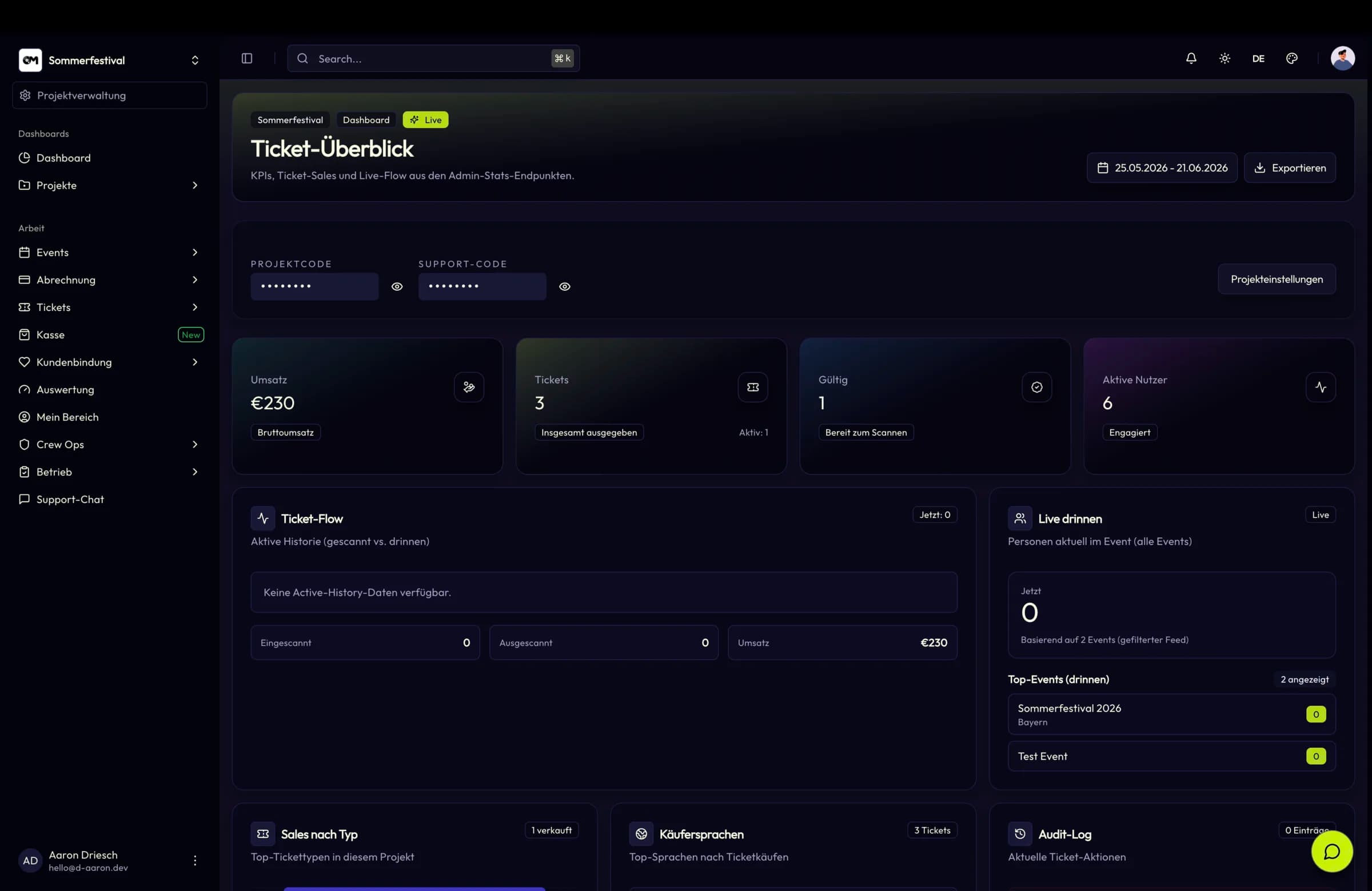
The project dashboard shows sales, ticket status distribution and live figures for the current event, with a funnel underneath to tell you where buyers stopped. When something breaks at scale, error analysis says what — while the sale is still running.
Workflow
Add the event to your project, connect the venue and publish it to your branded shop.
Set up ticket types with pricing phases, link seated blocks to the seatmap and enable the waitlist.
Take payment on the rails your audience uses and let recovery emails pick up the unfinished carts.
Scan wallet passes at check-in and watch the live counts per entrance until doors close.
Key facts
Features
Ticket types, dynamic pricing phases, add-ons, bundles, buyer questions and a checkout that works for guests and registered buyers alike.
2D and 3D venues, a collaborative seatmap editor with live presence and element locking, reusable templates and a clean reservation flow.
Adyen, PayPal, Mollie and bank transfer behind one provider interface, with per-project credentials, idempotency keys and refunds.
Apple Wallet and Google Wallet passes that inherit your ticket design, plus verified ticket transfer between users.
FAQ
Create the event, structure the tiers and open the sale from your own branded shop.